Customer Support Agent
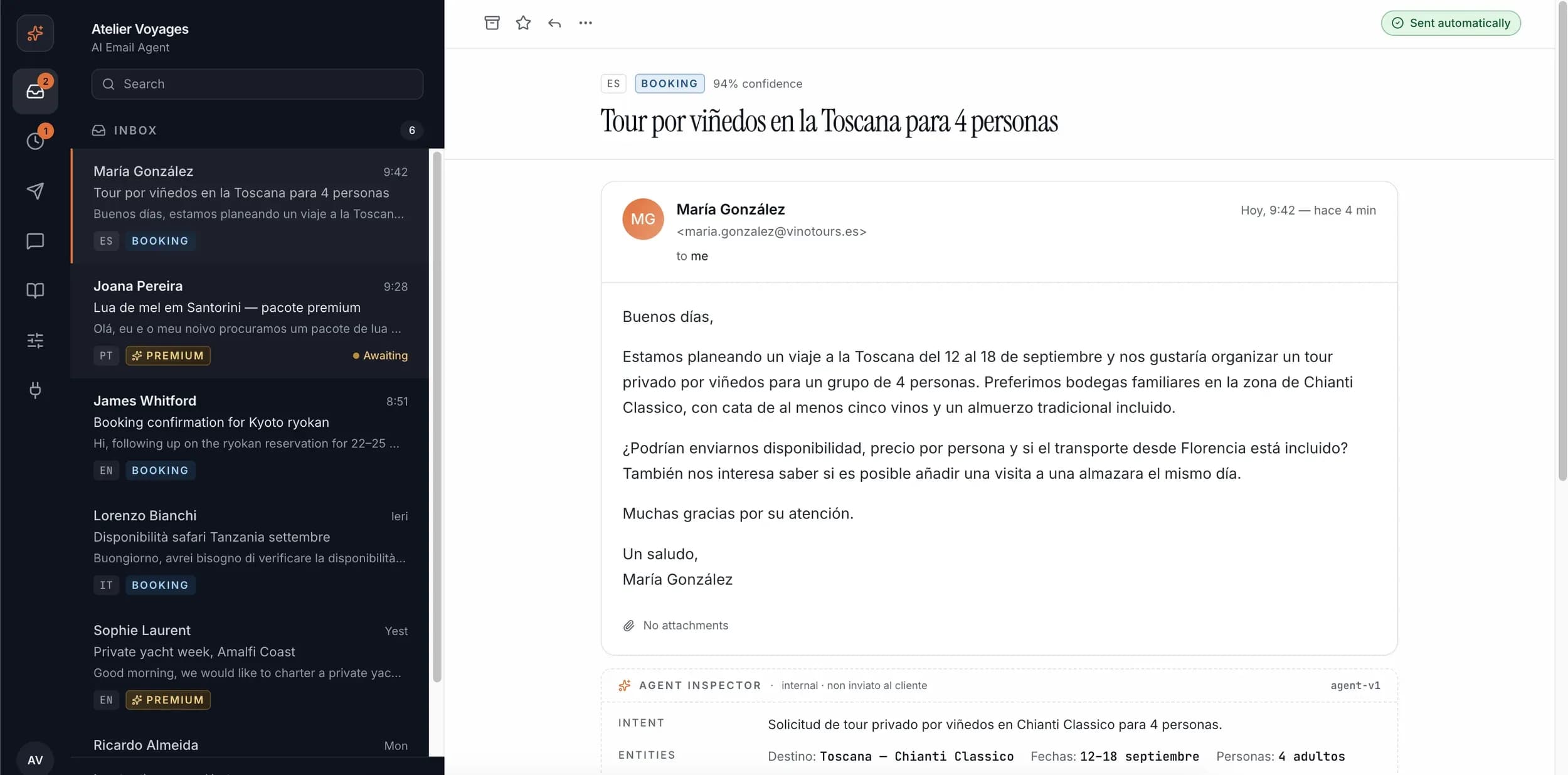
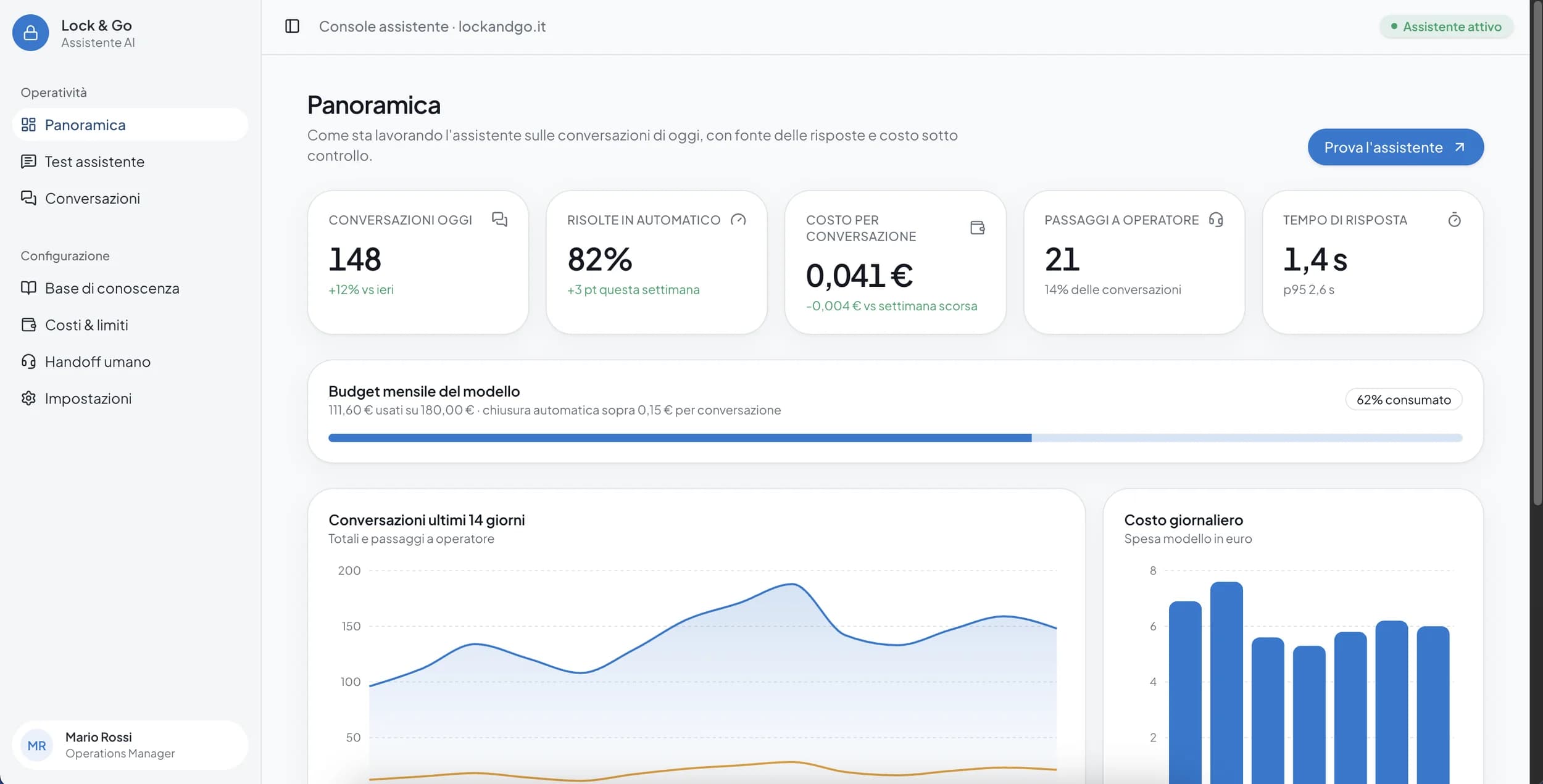
An AI agent that handles recurring requests, integrated with your knowledge base and your channels (chat, email, WhatsApp).
Chatbots and AI agents built on your real processes, connected to your tools and knowledge base — not isolated demos with no practical use.
The key elements this solution is built on, designed to be concrete from the first release.
An AI agent that handles recurring requests, integrated with your knowledge base and your channels (chat, email, WhatsApp).
Automation of repetitive internal tasks — research, report drafting, first-pass responses — with human oversight where it matters.
Connected to the CRM, management software, and communication tools you already use, so the agent acts within your real workflow.
The term 'chatbot' often evokes rigid systems that respond with preset phrases to frequently asked questions. A modern AI agent can do much more, but only if it's designed well: connected to a company's real data, able to act rather than just respond, and with clear controls over what it can and can't do autonomously. This article explains the practical difference between the two, how to decide what to build, and which mistakes to avoid so you don't end up with a system that looks smart in a demo but is useless in real use.
The typical problem with a business chatbot isn't the underlying technology, it's the lack of access to the company's real data. A generic language model, however advanced, doesn't know your products, your internal processes or your customer history — unless it's explicitly connected to this information. The result of a 'disconnected' chatbot is plausible but generic answers, which often frustrate the user more than a simple contact form would.
The difference between a useful chatbot and a useless one almost always comes down to this: the infrastructure that connects the model to real business data — internal documentation, order history, support ticket status — with a mechanism that lets you verify where each answer comes from, not just generate it.
An AI agent differs from a chatbot in its ability to act, not just respond: updating a CRM record, starting a return process, scheduling a follow-up. This shift from 'responding' to 'acting' introduces a different level of risk, because a mistake is no longer just a wrong answer, but an action taken inside your systems. That's why every capability we grant an agent is defined with explicit permissions and clear limits — the agent can do exactly what it's been allowed to do, nothing more.
For actions with significant consequences (refunds, cancellations, communications to important customers), we keep a human confirmation step before final execution. The agent prepares and proposes the action, a person confirms it. It's a deliberate trade-off between automation and control.
A useful agent lives where people already work: in the website chat, on WhatsApp, inside the CRM, not in a separate interface nobody opens on their own initiative. Part of the design work is identifying which channel makes sense for the specific use case — a customer support agent probably lives where customers already write, while an internal operations agent lives inside the tools the team uses every day.
This choice also affects adoption: a technically perfect agent placed in the wrong spot simply doesn't get used. That's why the first step of the project is always defining the use case and the context of use together, not just the agent's technical capabilities.
Most business chatbots stop at answering generic questions without access to a company's real data. A useful AI agent does something different: it reads your documentation, queries your internal systems, and acts within the workflow you already use — whether that's answering customers on WhatsApp, handling support requests, or automating internal operational tasks. We start by defining the concrete use case, then build the agent with controlled access to the right data, integrations with your existing tools (CRM, management software, communication channels), and human oversight where the risk of error requires it.
The agent accesses your documentation, knowledge base and internal systems with traceable answers — not generic responses from a model with no context about your business.
Connected to the channels and tools you already use — CRM, management software, WhatsApp, email — instead of being an isolated system nobody actually uses.
For the most sensitive actions we keep a human review step, so automation speeds up work without introducing unmanaged risk.
From defining the use case to an agent in production, with clear permissions and controls from the start.
We identify exactly what the agent needs to do, for whom, and in which channel — not a generic assistant, but a precise function with a measurable goal.
We define which documents, internal systems and tools (CRM, management software, communication channels) the agent will access, and with what permissions.
We develop the agent by explicitly defining what it can do autonomously and where a human confirmation is needed before the final action.
We verify the agent's behavior not only on expected scenarios, but also on ambiguous or out-of-context requests, before release.
We activate the agent on a subset of cases or users, monitor real-world responses, and expand coverage as trust in the system builds.
A custom chatbot or AI agent makes sense when there's a real volume of repetitive requests currently absorbing human time.
Businesses with a high volume of recurring requests (order status, product questions, return requests) currently handled manually one at a time.
Businesses that want to qualify leads or handle first-level sales inquiries before involving a team member.
Departments that spend time searching for information scattered across multiple systems or compiling recurring reports that could be automated.
Organizations with established documentation, procedures or policies that are hard to consult quickly without a system that queries them on the user's behalf.
Want to dig deeper?
AI agents and automations designed around your company’s real processes, so teams spend less time on manual work and keep more control over operations.
A selection of projects where this service played a direct role.