Workflow Mapping
We analyze the process as it works today — manual steps included — before deciding what to automate and how.
We automate the repetitive processes slowing your team down today, connecting to the systems you already use instead of requiring you to change them.
The key elements this solution is built on, designed to be concrete from the first release.
We analyze the process as it works today — manual steps included — before deciding what to automate and how.
Automation connects to the tools you already use (management software, email, spreadsheets, CRM) instead of requiring you to change them.
Fewer manual steps means fewer transcription errors and less time spent fixing them after the fact.
Automating a process doesn't mean buying an automation tool and connecting it haphazardly to existing systems: it means understanding exactly what happens today, step by step, and deciding carefully what's actually worth automating first. This article walks through how we approach a process automation project, which processes are genuinely worth automating, and how to avoid a poorly designed automation becoming a bigger problem than the one it solves.
The most common mistake in automation projects is starting from the technology instead of the process. Before deciding which tool to use, we map the process as it works today, including every manual step, the exceptions handled by hand, and the people involved. Steps that exist only out of habit rather than real necessity often surface here — and automating an unnecessary step just makes it invisible, not eliminated.
This mapping phase also produces a clear picture of what happens when something goes wrong in the current process: who notices, how it gets corrected, how long it takes. That's crucial information, because a well-designed automation needs to handle exceptions too, not just the ideal case where everything goes as expected.
Not every repetitive process deserves automation equally. The best candidates are high-frequency processes (they happen often, so every minute saved multiplies), low-judgment processes (they follow clear rules rather than requiring case-by-case discretion), and processes with a measurable cost of error (an invoicing mistake carries a different cost than a formatting error in an internal report).
A process that continuously requires human judgment and contextual evaluation is almost always a poor candidate for full automation — but it can still benefit from partial automation that handles the mechanical part and leaves the final decision to a person.
A black-box automation — one that works but nobody quite understands how — is a silent operational risk: when it stops working correctly, often nobody notices until the damage is already done. That's why every automation we build includes readable logs and checkpoints, so it's always possible to see what happened and why, without having to open the code.
For processes with significant financial or legal consequences (e.g. invoicing, contractual communications), we deliberately keep a human review step before the final action — the automation prepares and verifies, the person confirms. It's a trade-off that slightly slows down the process but eliminates the risk of automated errors at scale.
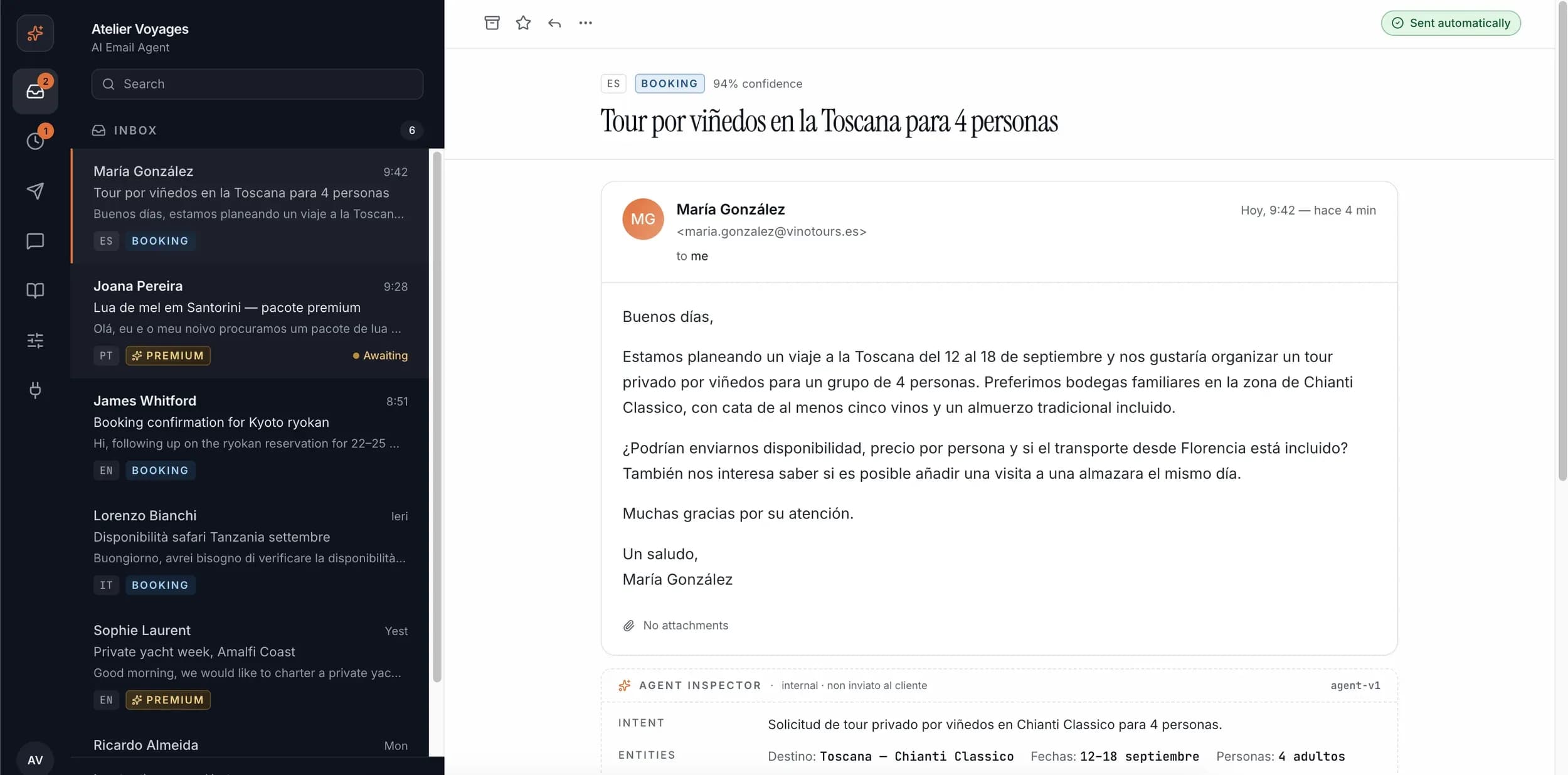
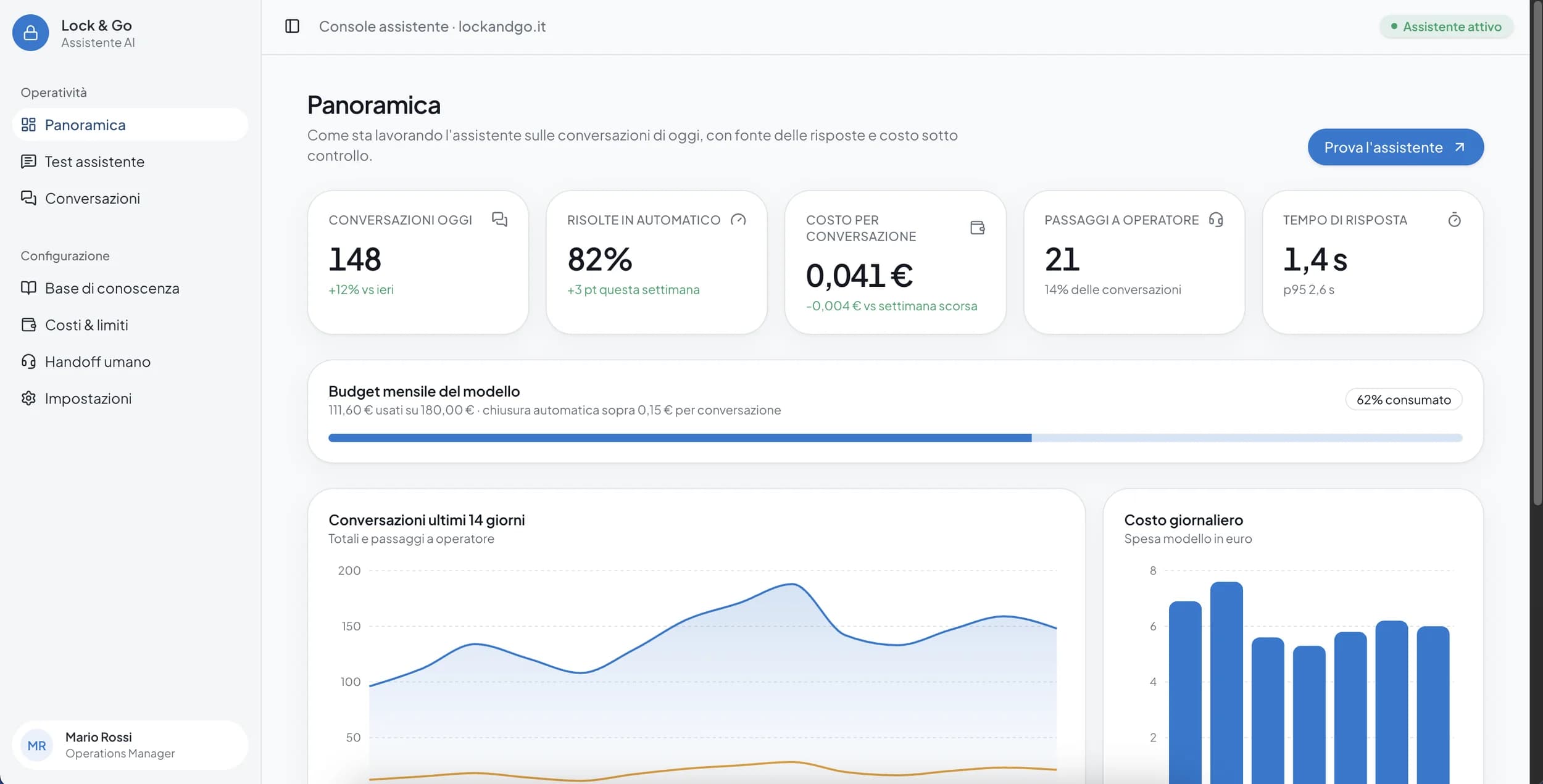
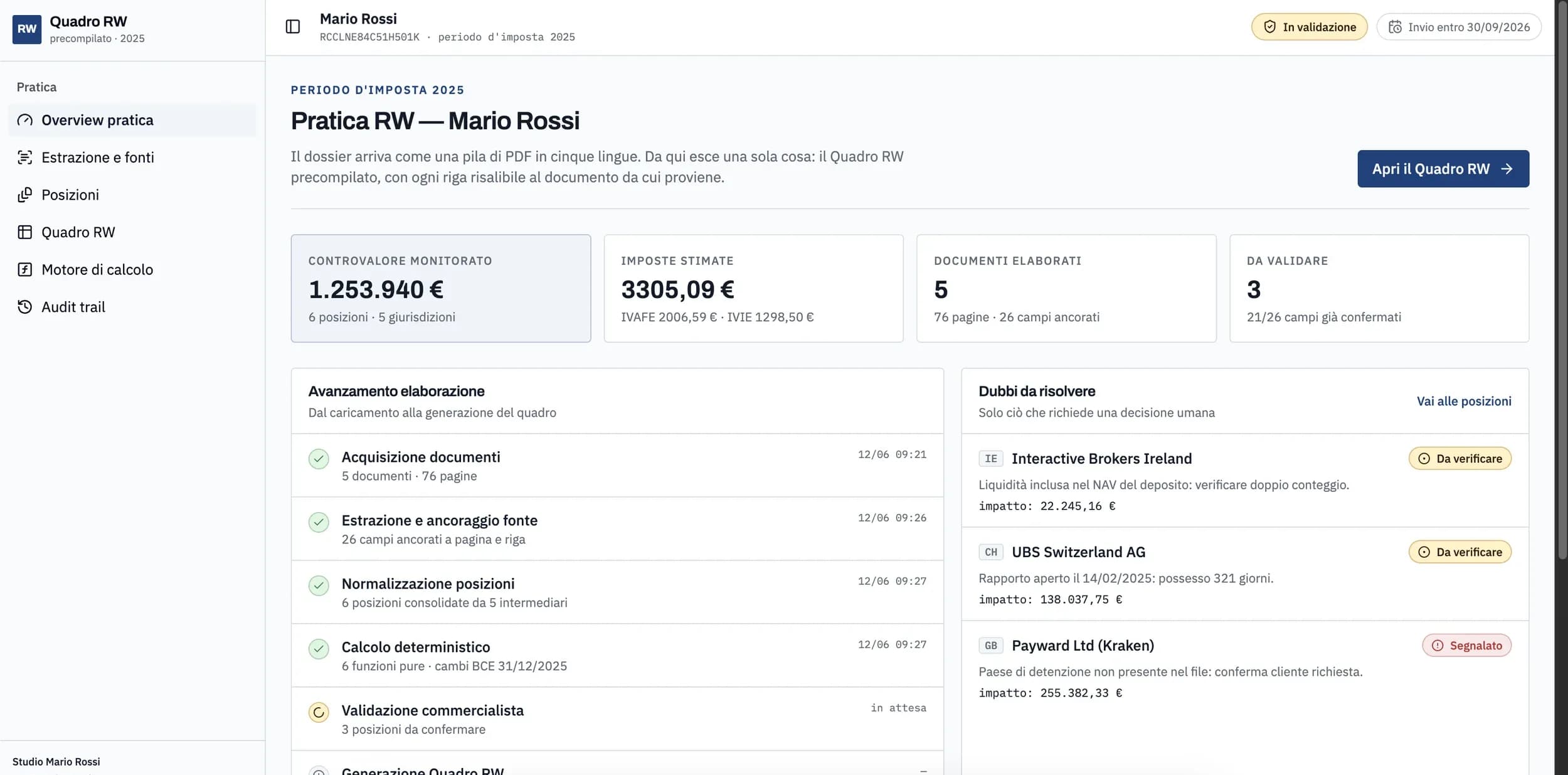
Every business has at least one process that repeats the same way every day — invoicing, approvals, sending reports — and is still handled manually today, with the risk of transcription errors and hours of work that could be spent elsewhere. We start by mapping the process as it works today, manual steps included, before deciding what to automate and how. The result isn't a black-box system: it's automation connected to your existing tools (management software, email, spreadsheets, CRM), with logs and controls that let you always understand what's happening.
Every manual step removed is one fewer potential transcription error and less time spent fixing it after it already happened.
No need to replace your management software or the tools you already use: automation integrates with what you have, without complex migrations.
Hours previously spent on repetitive tasks become available again for work that actually creates value for the business.
From mapping the current process to automation in production, with checks at every stage.
We document every step of the process as it works today, including exceptions handled manually, before deciding what to automate.
We assess which steps have the best ratio of time saved to automation complexity, to define a realistic scope.
We develop the automation connected to your existing systems, with readable logs and alerts for anomalies, not as a black-box system.
We run the automation in parallel with the current process for a verification period, comparing results before making it the only operational path.
We activate the automation as the primary process and monitor the first weeks of real-world use, ready to step in on unforeseen exceptions.
Process automation is worth it when a repetitive activity absorbs the team's time without really requiring human judgment every time.
Invoicing, payment reminders, data reconciliation across different systems: high-frequency processes with clear rules, ideal for automation.
Handling recurring requests, updating the CRM, sending standard customer communications tied to specific events.
Processes that require synchronizing information across different units, where multiple manual entries easily create mismatches.
Businesses where the volume of operations is growing faster than the people available to handle them manually.
Want to dig deeper?
AI agents and automations designed around your company’s real processes, so teams spend less time on manual work and keep more control over operations.
A selection of projects where this service played a direct role.